V1.20 Storage & Data Management and More
Dear users, Merry Christmas🎄! We have some new features to share with you! 🎉🎉
🎁 Storage and Data Management
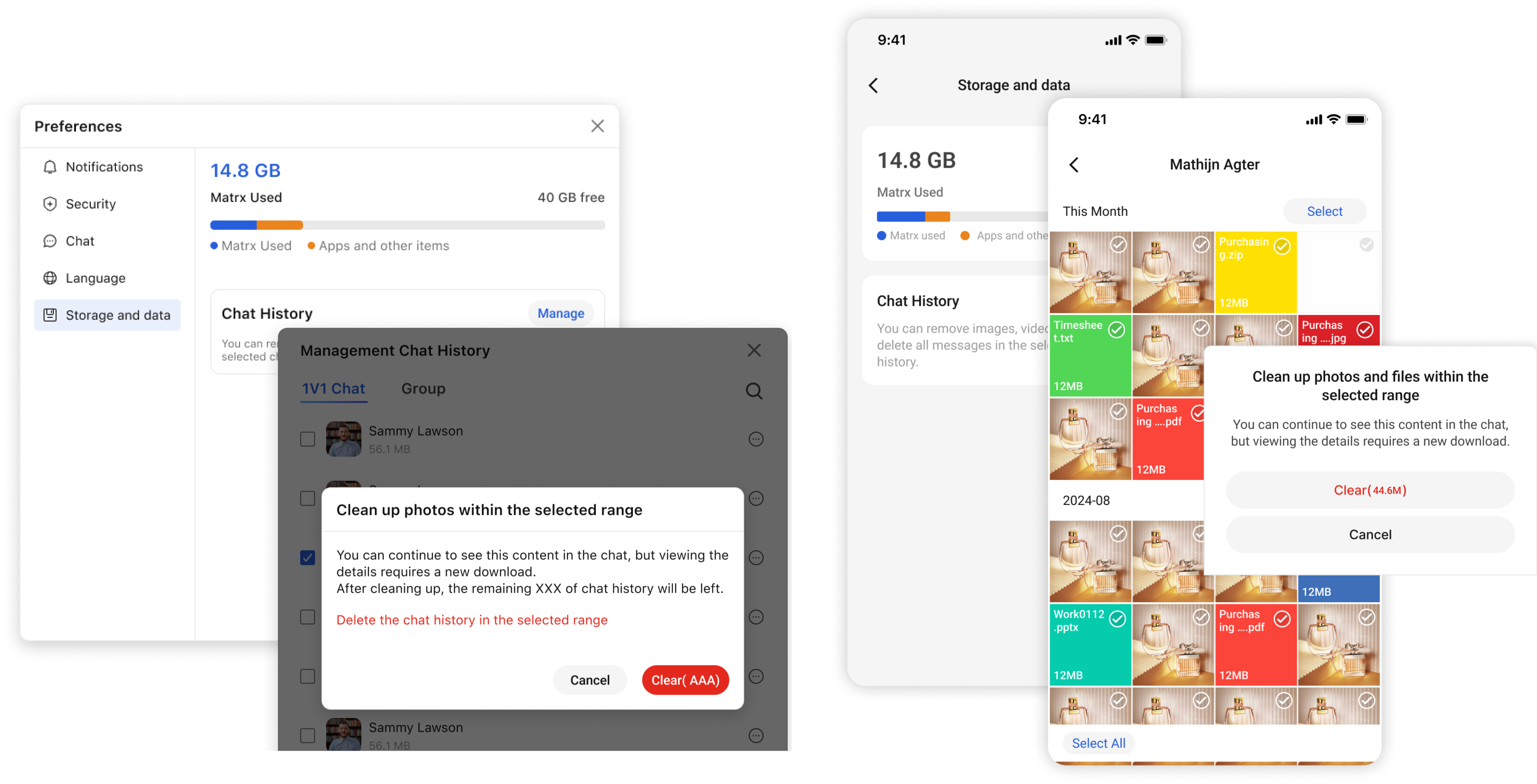
Now on Matrx, you can go and check the storage Matrx used.
Go to Settings > General > Storage and Data to view how much system space Matrx is using and manage your conversation history. You can selectively clear images, videos, files, and other multimedia content from your conversation history to free up system space.
🎁 Use shortcuts on Mac
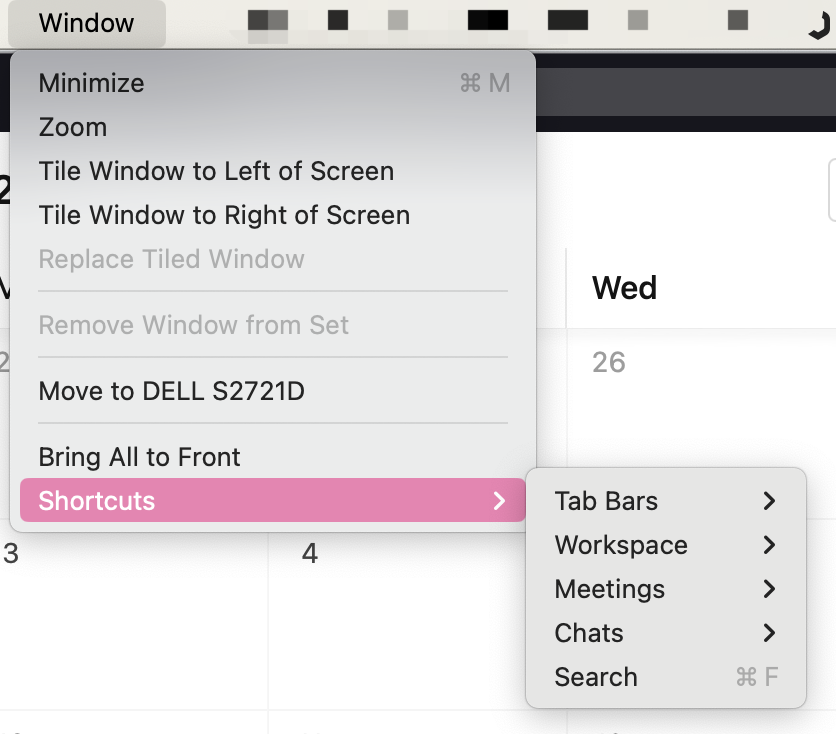
Tired of clicking? Now you can use these shortcuts on your Mac to make your work easier.
- cmd + 1 - 9, switch workspaces
- cmd + U, switch to other workspaces with unread notifications
- cmd + shift + m, create a new meeting
- cmd + f, start search
⠀To surprise yourself, click here to find more. 🙌
🎁 New UI on Mobile (iOS & Android)
We are proud to introduce you new UI on mobile. We optimized the UI design to make you feel fresh every single day.
While you may feel the Settings is missing. Please find the Settings by clicking your avatar!

🎁 Reply directly without open Matrx (iOS)
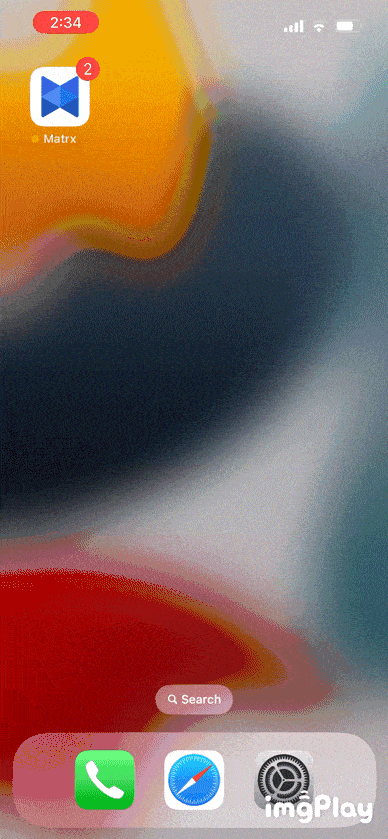
When you receive a new message while Matrx is not open, you can now swipe down on the notification to reply directly from outside the app.
🎁 Android Permission Settings Help (Android)
If you cannot receive Matrx Notifications in time, and you do not know why. Now you can go to Settings - Notifications, to find the help guide to lead you to set your system permissions.
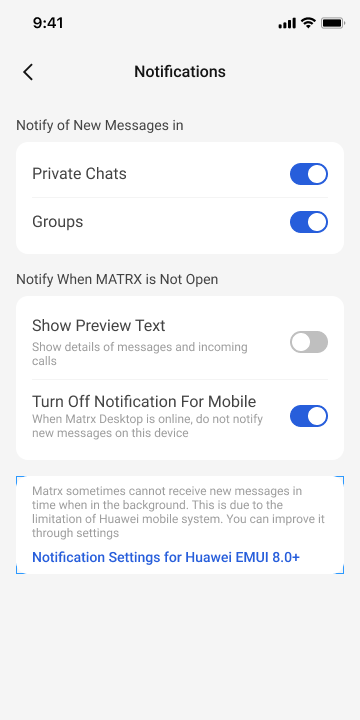
🎉🎉🎉